Apply for Free SSL Certificates
1. Introduction
CertOne supports applying for free SSL certificates issued by Let'sEncrypt through Cloudflare's DNS API, and supports automated renewal, deployment, monitoring, alerting and other functions for SSL certificates, supporting automated deployment to Alibaba Cloud, Tencent Cloud, Synology NAS, Qiniu Cloud, Doge Cloud, Upyun, Baota Panel, Docker containers, etc.2. How to Configure Parameters
Below is an introduction on how to obtain the parameters required to create a "DNS Authorization - Cloudflare" type.
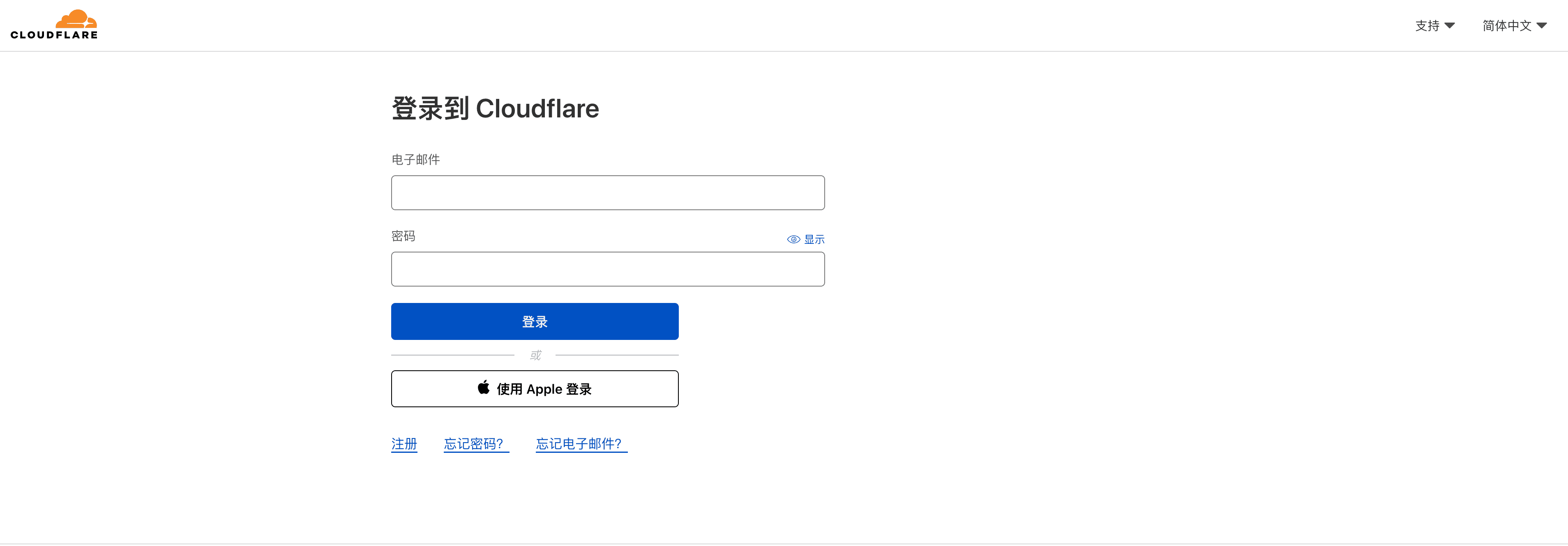
1. Log in to Cloudflare
Cloudflare login address: https://dash.cloudflare.com/login
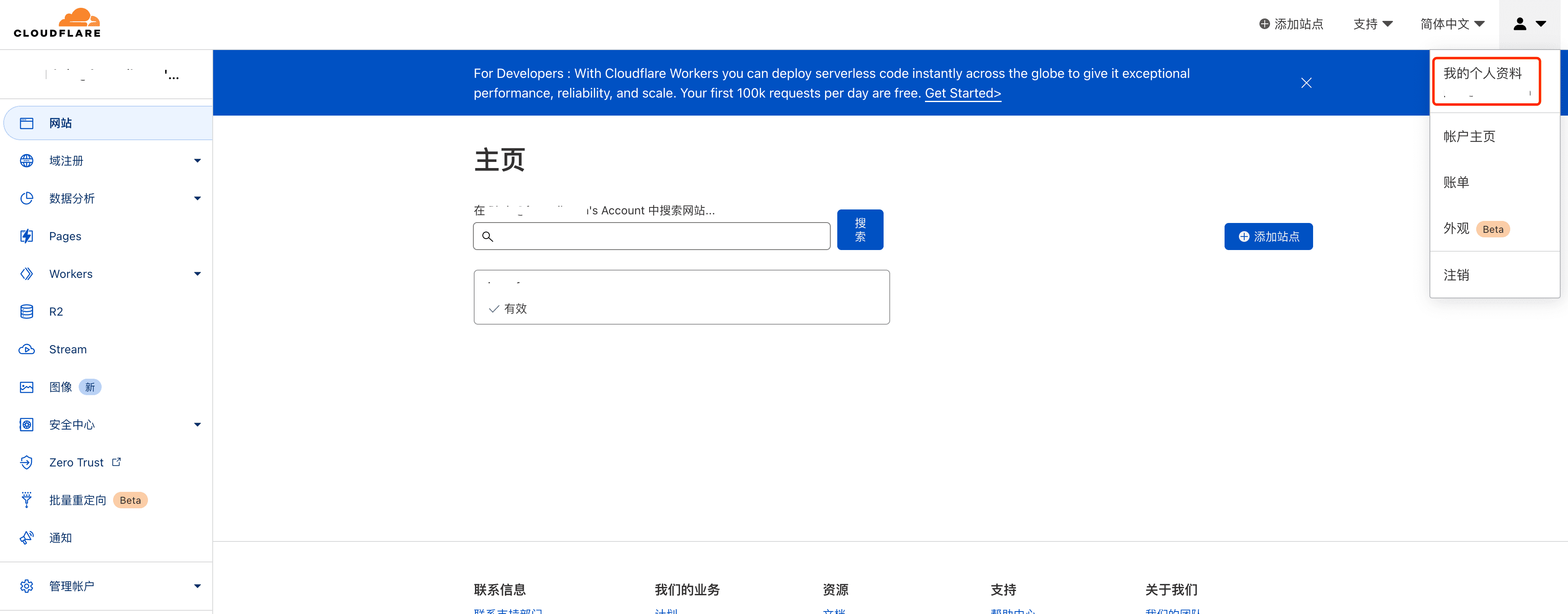
2. Open My Profile
After logging in to Cloudflare, click the upper right corner to enter the My Profile page. My Profile page address: https://dash.cloudflare.com/profile
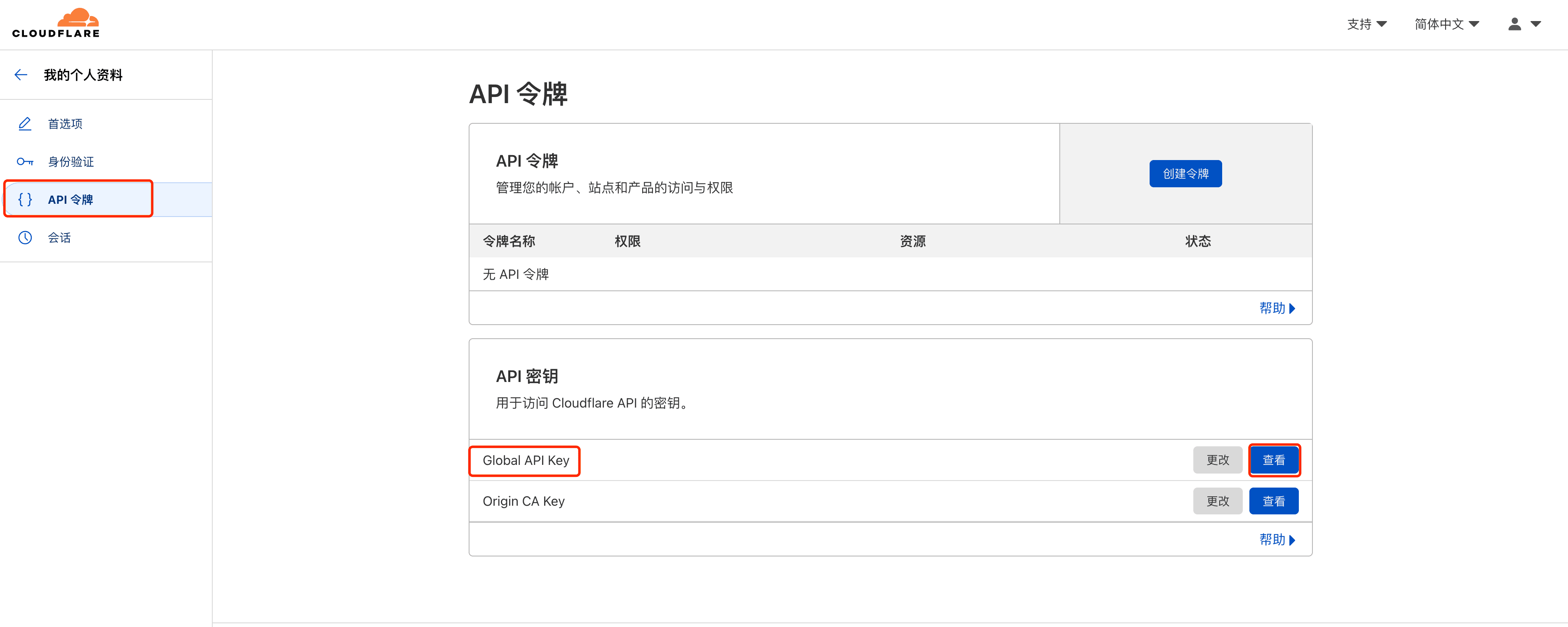
3. Open API Tokens Page
Click the API Tokens menu on the left in the My Profile page to enter the API Tokens page. API Tokens page address: https://dash.cloudflare.com/profile/api-tokens
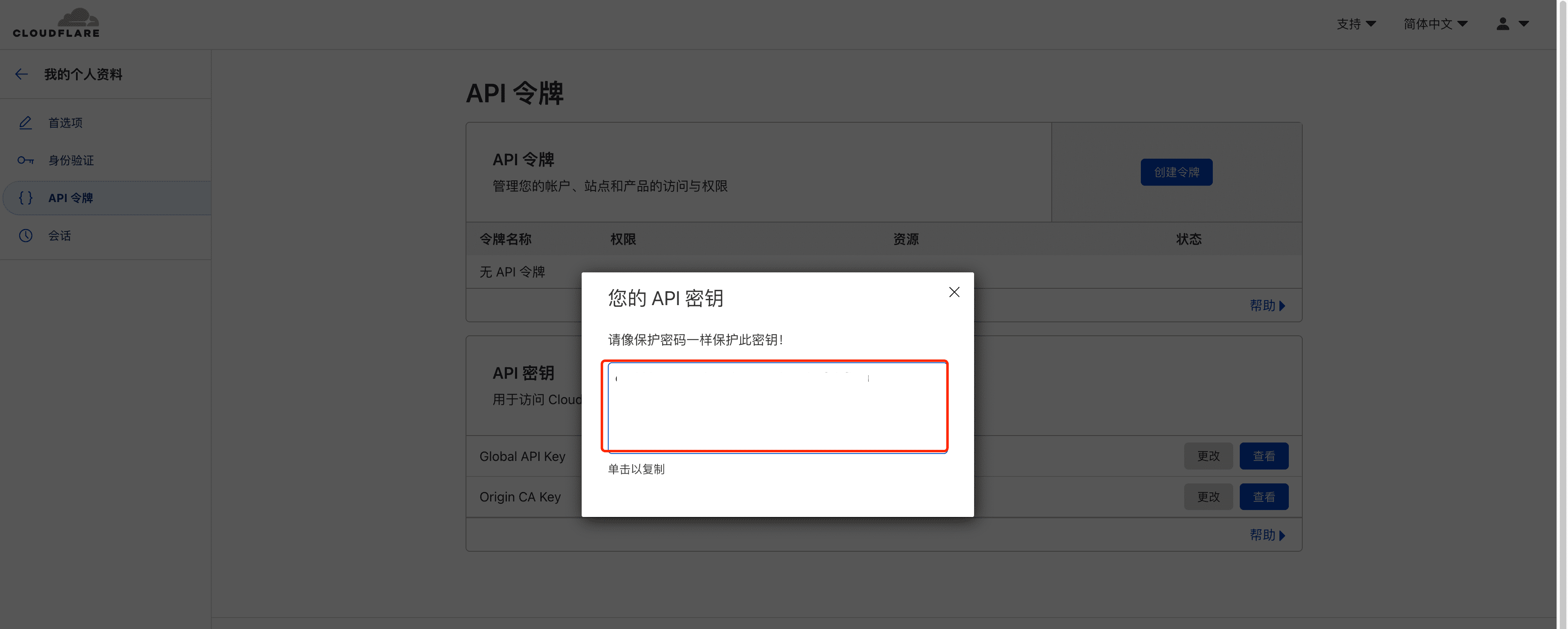
4. View API Key
On the API Tokens page, click View Global API Key to get the API key.
5. Add DNS Authorization in CertOne
The API key obtained in step 4 and the user's Cloudflare login email are the content that needs to be filled in when adding [DNS Authorization-Cloudflare] in CertOne.